KDP Dot Grid Paper 67: Streamlining Interior Production for Low-Content Publishing
Building a sustainable portfolio on Amazon KDP requires more than just creative cover designs; it demands a reliable, scalable infrastructure for book interiors. For publishers focusing on no and low-content books, the interior file is often the bottleneck that slows down production velocity. KDP Dot Grid Paper 67 addresses this specific friction point by providing a pre-formatted, technically compliant foundation for 6x9 journals. Rather than spending hours adjusting margins, calculating bleed settings, or generating repetitive patterns in design software, publishers can utilize this asset to shift their focus from technical formatting to strategic niche research and marketing.
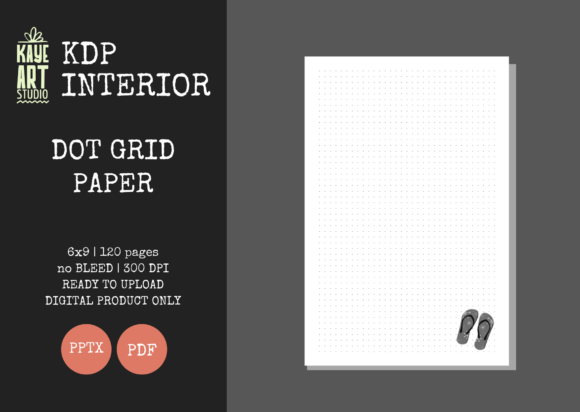
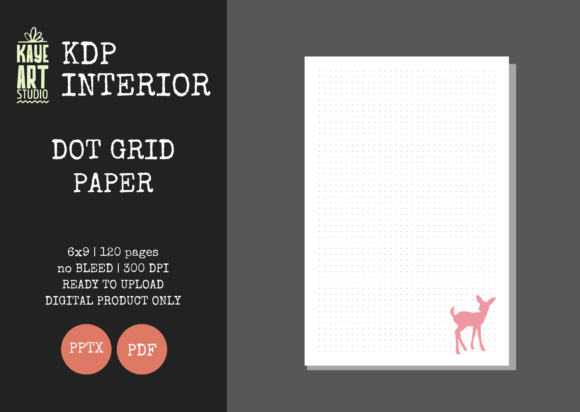
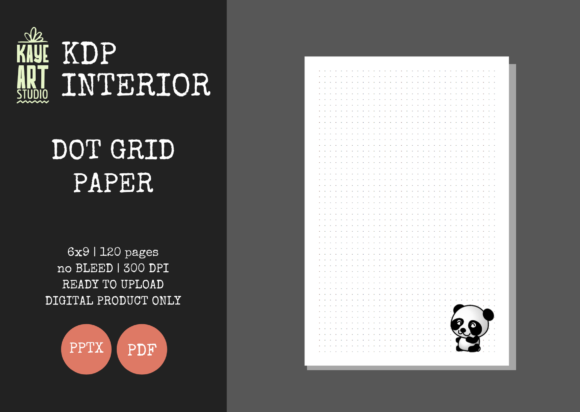
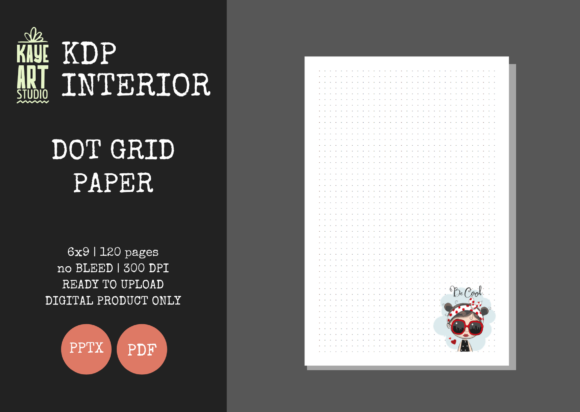
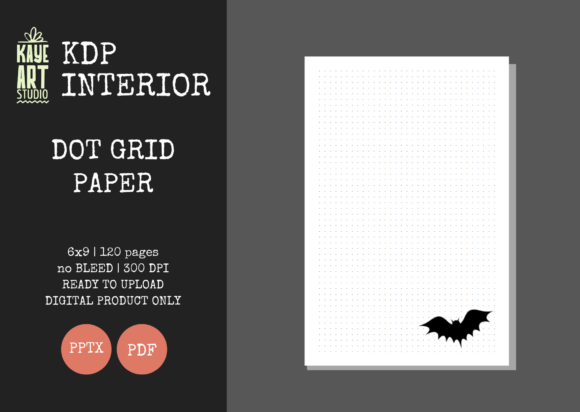
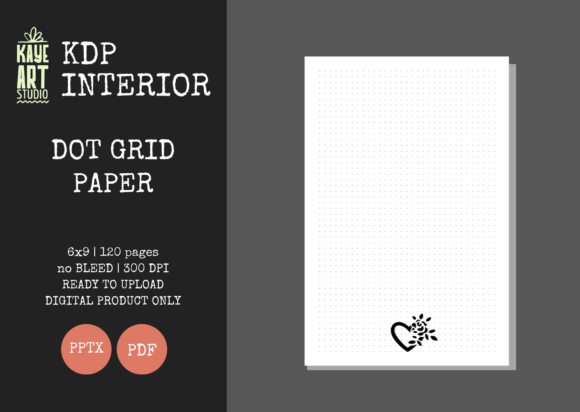
This resource is specifically engineered for the 6x9 trim size with no bleed settings, containing 120 pages of high-resolution dot grid paper. It serves as a plug-and-play solution within a broader publishing workflow, allowing creators to maintain consistency across multiple titles while significantly reducing the time-to-market for new products. Understanding how to integrate this asset effectively requires looking beyond the file itself and examining its role in preparation, customization, quality assurance, and long-term portfolio management.
Technical Specifications and Workflow Integration
The primary value of KDP Dot Grid Paper 67 lies in its adherence to strict KDP technical standards. In low-content publishing, rejection due to margin errors or resolution issues is a common setback that disrupts momentum. This asset eliminates that risk through verified specifications:
- Trim Size: 6x9 inches, the industry standard for portable journals and notebooks.
- Bleed Settings: Configured for NO BLEED, ensuring safe margins for text and grid elements.
- Page Count: 120 pages, optimized for spine width calculations and printing costs.
- Resolution: 300 DPI, guaranteeing crisp printing quality without pixelation.
- File Formats: Includes both PDF for immediate upload and PPTX for editing.
Integrating these specifications into your workflow means treating the interior as a standardized component. When planning a new series of journals, you no longer need to recalculate safe zones or test print proofs for basic grid layouts. The "No Bleed" configuration is particularly significant for dot grid papers, as it ensures the dots remain within the printable area regardless of minor printer shifts, preserving a clean, professional aesthetic that customers expect in premium stationery products.
Leveraging the Editable PowerPoint File for Customization
While the included PDF is ready for immediate upload, the editable PowerPoint (PPTX) file transforms KDP Dot Grid Paper 67 from a static template into a dynamic production tool. Many publishers mistakenly believe that low-content interiors must be entirely unique to sell, but successful businesses often rely on slight variations of proven formats to capture adjacent niches. The PPTX file facilitates this strategy without requiring expensive graphic design software like Adobe InDesign or Affinity Publisher.
You can use the editable source file to implement subtle differentiators that align with specific target audiences. For example, if you are creating a journal for project managers, you might add a small "Project Notes" header to the top margin of every fifth page. If targeting students, you could adjust the dot opacity to be lighter, allowing for easier erasing and writing over the grid. These modifications take minutes in PowerPoint but add perceived value that distinguishes your product from generic competitors. This capability allows you to batch-produce variations from a single master file, maintaining brand consistency while testing different market angles.
Practical Modification Strategies
When customizing the PPTX file, adhere to a systematic approach to preserve file integrity:
- Duplicate Before Editing: Always create a working copy of the master PPTX to prevent accidental corruption of the original tested file.
- Master Slide Utilization: Apply global changes (like headers, footers, or branding elements) via the Slide Master view rather than editing individual pages. This ensures uniformity across all 120 pages.
- Margin Verification: After adding custom elements, re-check the safe zone guidelines. Even though the base grid is compliant, added text or graphics must still respect the no-bleed boundaries.
- Export Protocol: Always export as a high-quality PDF rather than saving as a PPTX for upload. KDP’s rendering engine processes standard PDFs more predictably than converted presentation files.
Strategic Positioning in the Publishing Lifecycle
KDP Dot Grid Paper 67 fits into distinct phases of the publishing lifecycle, serving different functions depending on where you are in your business development. Recognizing these phases helps maximize the return on investment for this asset.
Pre-Launch Validation and Prototyping
During the niche research phase, speed is essential. You may want to validate demand for a specific keyword cluster before investing in custom illustrations or complex layouts. Using this pre-made interior allows you to create a minimum viable product (MVP) rapidly. Pair the dot grid interior with three or four different cover concepts targeting related keywords. Upload these test titles to gauge click-through rates and conversion potential. Because the interior cost (in terms of time) is near zero, your risk is minimized. If a cover/niche combination gains traction, you can later invest in a bespoke interior; if not, you have validated the niche without significant labor expenditure.
Scaling and Portfolio Expansion
For established publishers, this asset supports scaling operations. When expanding into adjacent categories—such as moving from general journals to specialized logbooks for nurses, teachers, or real estate agents—the dot grid format often remains relevant. Instead of pausing production to design new interiors, you can leverage KDP Dot Grid Paper 67 as a bridge. This maintains your publishing cadence and keeps your account active while you develop more specialized assets. Consistency in page count (120 pages) also simplifies inventory mental models and pricing strategies, as your printing costs remain predictable across multiple SKUs.
Post-Publication Quality Control
Even with pre-tested files, quality control remains a publisher's responsibility. After uploading, always order a physical proof or use the digital previewer meticulously. Check specifically for dot alignment near the gutter and outer edges. While the file is tested, variations in personal printer calibration or screen display can sometimes mask issues. Establishing a checklist for reviewing dot grid interiors ensures that every title meeting your brand standards provides a consistent user experience. Customer reviews frequently mention paper quality and layout precision; maintaining high standards here protects your long-term reputation.
Compatibility and Ecosystem Considerations
This interior asset does not exist in isolation. It interacts with cover design tools, keyword research platforms, and advertising systems. Understanding these interactions prevents workflow friction.
Cover Design Alignment: Since this listing is for the interior only, your cover designer must be briefed on the exact specifications: 6x9 trim, 120 pages, and no bleed. Providing the interior PDF to your cover designer can help them visualize the final product and ensure the spine width calculation matches the actual page count. Mismatches between interior page counts and cover spine dimensions are a leading cause of KDP rejection.
Advertising and Merchandising: When running Amazon Ads or creating A+ Content, the interior's appearance matters. Use the high-resolution PDF to create mockups showing the dot grid spacing. Customers buying dot grid journals are often particular about dot size and spacing (typically 5mm). Being able to accurately represent the interior in your marketing materials reduces returns and negative reviews stemming from unmet expectations.
Software Compatibility: The inclusion of a PPTX file broadens accessibility. However, be aware that font rendering can vary between PowerPoint versions. If you modify the file using an older version of Office or alternative software like LibreOffice, verify that the dot pattern hasn't shifted or resized. Sticking to Microsoft PowerPoint or converting to PDF immediately after minor edits is the safest protocol for maintaining dimensional accuracy.
Optimizing for Long-Term Business Efficiency
Sustainable KDP businesses are built on systems, not just individual products. KDP Dot Grid Paper 67 should be cataloged within your digital asset management system as a "Core Utility" resource. Tag it with relevant metadata: 6x9, No Bleed, 120 Pages, Dot Grid, Editable. When you or a virtual assistant needs to produce a standard journal, retrieval should be instantaneous.
Consider creating a standard operating procedure (SOP) document linked to this asset. The SOP should outline the approved use cases, prohibited modifications (e.g., changing trim size without recalculating margins), and export settings. This documentation enables delegation. If you hire a VA to handle uploads or basic formatting, they can execute tasks using this asset without constant supervision, freeing you to focus on higher-level strategy and creative direction.
Furthermore, track the performance of titles using this specific interior versus custom interiors. Analyze whether the time saved translates to acceptable profit margins or if certain niches demand higher customization. Data-driven decisions about when to use KDP Dot Grid Paper 67 versus when to commission custom work will refine your production efficiency over time. The goal is not to use this template for everything, but to deploy it strategically where it offers the highest leverage between effort and outcome.
Ultimately, this asset represents a balance between standardization and flexibility. It removes the technical barriers to entry for dot grid journals while providing enough malleability to support niche-specific branding. By integrating it thoughtfully into your preparation, execution, and review processes, you transform a simple file download into a cornerstone of a scalable, professional publishing operation. The focus shifts from wrestling with margins to building a catalog that serves real customer needs with reliability and speed.