KDP Dot Grid Paper 69: Streamlined Journal Interiors
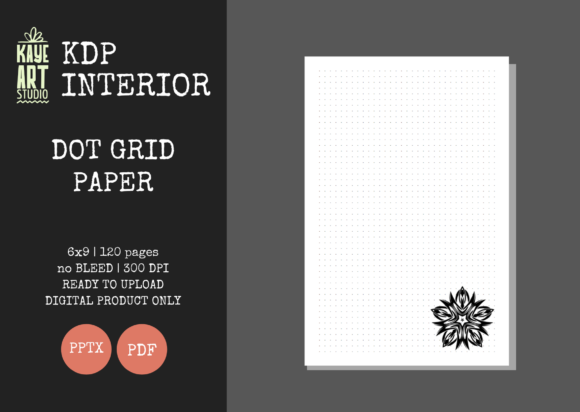
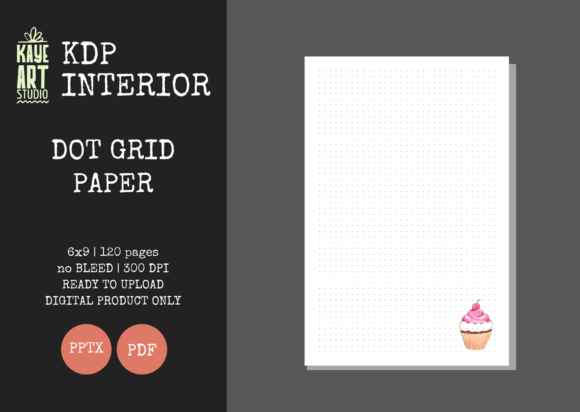
Building a sustainable no-content or low-content publishing business on Amazon requires more than just uploading generic templates; it demands efficient workflows and reliable design assets. The KDP Dot Grid Paper 69 interior template addresses one of the most common friction points for self-publishers: technical formatting. This specific resource provides a pre-formatted, 6x9 inch dot grid journal that eliminates the guesswork associated with margin safety, bleed settings, and resolution standards. For entrepreneurs, designers, and content creators looking to scale their KDP portfolio, this asset serves as a foundational building block rather than just another notebook.
The visual character of this dot grid is intentionally understated. In the realm of editorial design and functional stationery, the best typography and layout elements are those that facilitate user interaction without demanding attention. This interior uses a precise dot spacing that supports bullet journaling, sketching, and note-taking while maintaining high readability. Unlike lined paper, which dictates horizontal flow, or blank paper, which can feel intimidatingly empty, the dot grid offers structural guidance with creative freedom. This balance makes it an ideal canvas for users ranging from marketing professionals tracking campaign metrics to hobbyists documenting craft projects. The aesthetic is clean and modern, aligning with current trends in minimalist stationery and productivity tools.
Technical Precision and Production Standards
One of the primary reasons publishers seek out specialized interiors like KDP Dot Grid Paper 69 is to avoid costly proofing errors. Amazon’s printing specifications are strict, and even minor deviations in trim size or margin alignment can result in rejected files or poor print quality. This template is engineered specifically for a 6x9 inch trim size with no bleed settings. The "no bleed" configuration is particularly strategic for dot grid journals because it ensures the dots remain safely within the printable area, preventing them from being trimmed off during the binding process. This creates a consistent, professional border that enhances the perceived value of the final product.
The file quality is set at 300 DPI, which is the industry standard for crisp, clear print reproduction. Low-resolution grids often appear pixelated or gray when printed on standard KDP white paper, detracting from the user experience. By utilizing a high-resolution source file, the dots remain sharp and distinct. Furthermore, the inclusion of both PDF and PPTX formats offers significant workflow flexibility. While the PDF is ready for immediate upload, the editable PowerPoint file allows creators to customize the interior. You might choose to add a branded title page, insert motivational quotes every ten pages, or adjust the opacity of the dots to suit a specific niche audience. This editability transforms a static template into a versatile design asset that can be adapted across multiple product lines.
Strategic Applications Across Creative Niches
Versatility is the hallmark of a successful KDP interior. While often categorized simply as a "journal," the dot grid format serves diverse functions across different market segments. For graphic designers and illustrators, this paper acts as a portable sketchbook where the unobtrusive grid aids in perspective drawing and layout planning without interfering with the artwork. In the branding and marketing space, these notebooks function as effective lead magnets or corporate gifts. A custom-branded dot grid journal feels more premium and useful than a standard lined notepad, encouraging recipients to actually use the item rather than discarding it.
Educators and students also represent a substantial demographic for this type of interior. The dot grid supports various note-taking methodologies, including the Cornell system and mind mapping, making it superior to traditional college-ruled paper for visual learners. For content creators and bloggers, these journals serve as content planners and idea repositories. The structured yet open nature of the grid allows for mixing text, diagrams, and checklists on a single spread. When selecting this interior for your catalog, consider how the utility of the dot grid aligns with the specific needs of your target audience. It is not merely a place to write; it is a tool for thinking, organizing, and creating.
Integrating Interiors into a Cohesive Brand Identity
While KDP Dot Grid Paper 69 handles the interior mechanics, the commercial success of the book relies heavily on cover design and brand consistency. Since this listing covers the interior only, you must approach the cover as a complementary design element. Think of the interior as the user experience (UX) and the cover as the user interface (UI). They must work in tandem. If your brand identity utilizes modern typography and sans serif fonts, ensure your cover reflects that same cleanliness to match the minimalist interior. Conversely, if you are targeting a vintage or artisanal niche using script fonts or textured backgrounds, the clean dot grid inside provides a necessary contrast that keeps the product functional.
Font pairing extends beyond the cover and into any custom pages you might add to the editable PPTX file. If you decide to include introductory pages, habit trackers, or index sections, select typefaces that maintain readability at small sizes. A premium font choice for headers paired with a highly legible sans serif for body text ensures that your added value doesn't clutter the page. Consistency in visual hierarchy helps establish recognition. When customers browse your author page, they should see a cohesive collection where the interiors feel as intentional as the covers. This level of professionalism distinguishes serious publishers from those simply churning out low-effort uploads.
Evaluating Fit and Maximizing Commercial Value
Before integrating this asset into your next launch, evaluate its fit within your broader business strategy. The 120-page count is a sweet spot for trade paperback journals; it provides enough substance to feel valuable without driving up printing costs to a point where royalties diminish. However, you should test how this specific grid spacing works for your intended niche. Some users prefer tighter grids for detailed technical drawing, while others prefer wider spacing for handwriting. Reviewing the sample pages or printing a test copy is a practical step that prevents negative reviews regarding usability.
From a licensing and commercial perspective, always verify the usage rights associated with any design asset. Ensuring you have full commercial rights to sell the compiled book is non-negotiable. Once cleared, focus on differentiation. Because dot grid journals are a competitive category, your unique selling proposition will likely come from your cover design, your keyword research, and any value-added content you insert via the editable PowerPoint file. Use this interior as a reliable baseline, but layer your creative expertise on top to build a product that resonates with real people. Whether you are a seasoned publisher expanding your catalog or a new entrepreneur launching your first journal, KDP Dot Grid Paper 69 offers a technically sound foundation that lets you focus on what matters most: connecting with your audience through thoughtful, functional design.