Optimizing Low Content Publishing with KDP Dot Grid Paper 29 Interiors
The landscape of self-publishing has shifted significantly toward efficiency and scalability, particularly within the low and no-content book niche. For creators managing extensive catalogs or those just beginning their journey on Amazon KDP, the technical specifications of interior files often dictate the success of a product. KDP Dot Grid Paper 29 represents a specific iteration of journal interiors designed to streamline this process. By utilizing a pre-formatted 6x9 inch template with precise bleed settings and high-resolution standards, publishers can bypass repetitive design tasks and focus on market research and cover creation. Understanding the technical and practical applications of this specific interior asset is essential for maintaining quality standards while scaling a publishing business.
Technical Specifications and Print Quality Standards
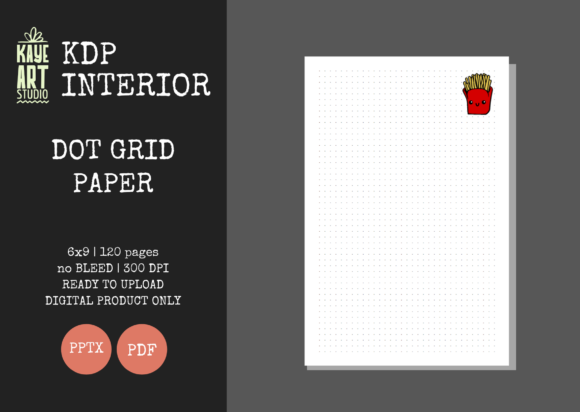
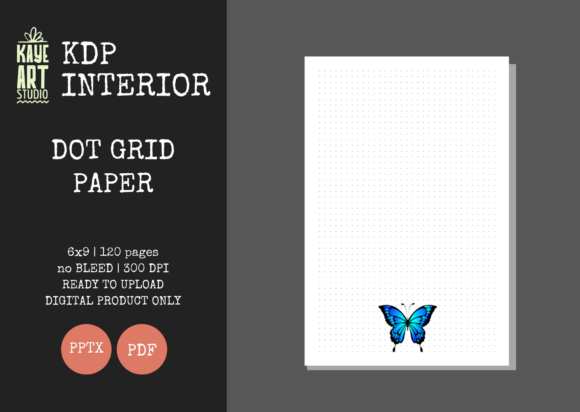
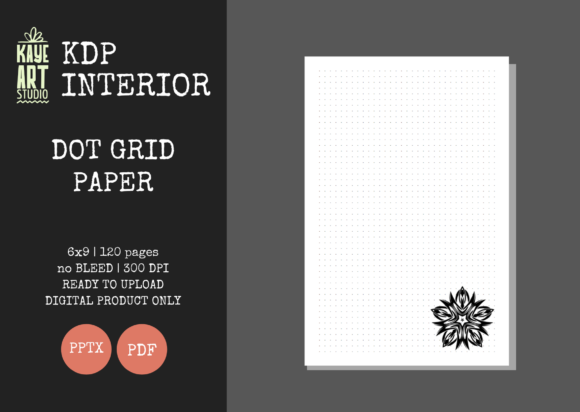
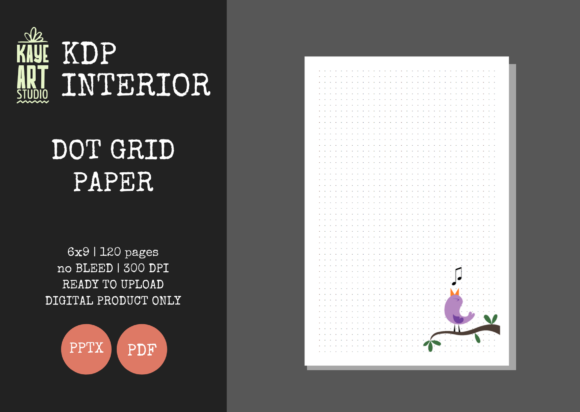
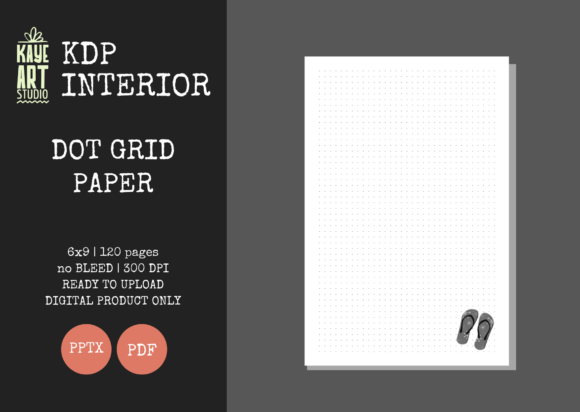
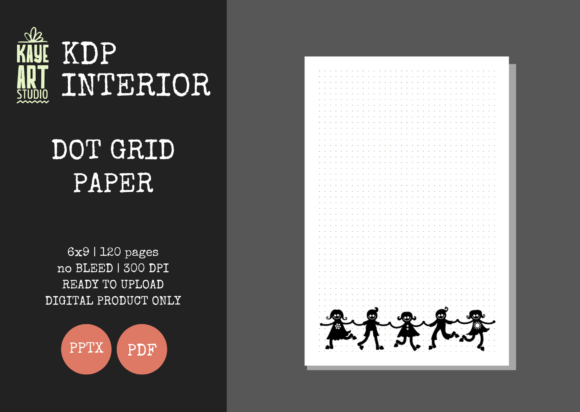
The foundation of any successful physical notebook lies in its print fidelity. KDP Dot Grid Paper 29 is engineered at 300 DPI (dots per inch), which is the industry standard for crisp, professional-grade printing. While digital screens may display lower resolution images acceptably, print media requires this density to prevent pixelation or blurring of the dot grid lines. When dots appear fuzzy or gray rather than sharp and distinct, user perception of quality drops immediately. This specific template ensures that every intersection point on the grid renders clearly on both cream and white paper stock options available through KDP.
The trim size of 6x9 inches remains the most versatile format for trade paperbacks and journals. It strikes an optimal balance between portability and writing surface area, making it suitable for everything from academic note-taking to travel journaling. Crucially, this interior file is configured with NO BLEED settings. In KDP terminology, "no bleed" means the content does not extend to the very edge of the page; instead, a safe margin is maintained around the perimeter. This configuration reduces the risk of critical content being trimmed off during the binding process and simplifies the upload validation phase. Publishers using this template can avoid common rejection errors related to margin violations, as the safe zones are pre-calculated within the PPTX and PDF files.
File Format Versatility: PPTX vs. PDF
A distinguishing feature of this interior package is the inclusion of both PDF and editable PowerPoint (PPTX) formats. While the PDF serves as the final, ready-for-upload deliverable that has been tested for KDP compliance, the PPTX file offers strategic flexibility. Many low-content publishers assume interiors must be static, but having an editable source file allows for customization without requiring advanced graphic design software like Adobe InDesign.
- Branding Integration: Users can add subtle logos, website URLs, or copyright notices to the footer or header areas directly within PowerPoint before exporting to PDF.
- Niche Adaptation: The editable format allows creators to insert specialized title pages, index templates, or habit trackers at the beginning or end of the standard 120-page block.
- Bulk Modifications: For publishers managing multiple pen names or brands, global changes to font styles or spacing can be applied via slide master editing, saving hours of manual formatting.
This dual-format approach bridges the gap between plug-and-play convenience and bespoke product development, catering to both volume publishers and boutique creators who prioritize unique value propositions.
Practical Applications Across User Demographics
The utility of a dot grid layout extends far beyond general journaling. Unlike lined paper, which dictates horizontal text flow, or blank paper, which lacks structural guidance, the dot grid provides a non-intrusive framework. This versatility makes KDP Dot Grid Paper 29 relevant to a broad spectrum of end-users, each with distinct needs that influence how a publisher should position their product.
For Professionals and Project Managers
In corporate and freelance environments, the dot grid serves as a hybrid tool for brainstorming and documentation. Professionals frequently use these notebooks for bullet journaling methodologies that combine task management with calendar tracking. The grid facilitates the rapid drawing of Gantt charts, Kanban boards, and wireframes without the need for rulers. When marketing a notebook utilizing this interior, emphasizing organizational productivity rather than mere "journaling" can attract a higher-value demographic seeking functional tools over decorative stationery.
Educators and Researchers
Academic users require flexibility for mixed-media notes. STEM students and researchers often need to sketch diagrams, chemical structures, or geometric proofs alongside textual annotations. The 6x9 size fits easily into lab coat pockets or field bags, while the 120-page count provides sufficient depth for a semester-long project without becoming unwieldy. The consistent spacing of the dot grid aids in maintaining proportionality in technical drawings, a critical factor for users who cannot rely on plain paper for accurate visual representation.
Creative Hobbyists and Artists
For the creative community, dot grid paper acts as a scaffold for hand-lettering, calligraphy practice, and urban sketching. The points serve as alignment guides for letterforms while remaining unobtrusive enough not to distract from the artwork itself. This demographic often values paper quality and layout precision highly. By ensuring the interior uses true 300 DPI assets, publishers can confidently target artists who are sensitive to print defects. Furthermore, the no-bleed configuration ensures that sketches centered on the page remain fully visible after binding, preserving the integrity of the user's creative work.
Workflow Integration and Business Scalability
Incorporating standardized interiors like KDP Dot Grid Paper 29 into a publishing workflow addresses one of the primary bottlenecks in low-content businesses: production time. Creating a flawless 120-page grid manually involves setting up master pages, checking margins against KDP’s evolving specifications, and verifying export settings. By utilizing a pre-tested template, publishers eliminate the quality assurance phase for the interior entirely.
This efficiency enables a shift in resource allocation. Instead of spending hours formatting grids, creators can invest that time in keyword research, competitive analysis, and cover design. Since the listing specifies that covers must be created separately, the business model naturally encourages specialization. The interior becomes a constant variable, while the cover serves as the differentiator. This separation of concerns allows for rapid A/B testing of cover designs across identical interiors to determine which aesthetic resonates with specific niches.
Moreover, the 120-page count is strategically chosen for cost-efficiency and perceived value. On KDP, printing costs increase with page count, but so does the minimum list price. At 120 pages, the production cost remains low enough to allow for competitive pricing while still providing a substantial feel that justifies a premium over thinner 80-page alternatives. This sweet spot maximizes royalty potential without sacrificing user satisfaction regarding the notebook's longevity.
Navigating Cover Creation and Product Differentiation
Because this product offering is strictly for the interior, the responsibility of visual branding falls entirely on the publisher. This distinction is vital for long-term success. Using a generic interior means that differentiation must occur externally. Successful publishers treat the KDP Dot Grid Paper 29 interior as a canvas upon which niche-specific value is layered through cover art and metadata.
When designing covers for this specific 6x9 no-bleed interior, it is crucial to remember that the internal margins do not affect the external cover dimensions. However, the spine width calculation must be exact for 120 pages. KDP provides a spine calculator that should be used in conjunction with this interior to ensure the cover wraps correctly. Misalignment between the interior page count and the cover spine width is a common cause of printing errors, even when the interior file itself is flawless.
Differentiation also extends to the description and backend keywords. Since the interior is identical across many listings, the metadata must clearly articulate the specific use case. A notebook marketed as "Graph Paper for Engineering Students" will convert differently than one marketed as "Mindfulness Journal for Yoga Practitioners," despite sharing the same KDP Dot Grid Paper 29 core. The editable PPTX file further supports this differentiation strategy; adding a niche-specific introduction page or a customized ownership label transforms a generic commodity into a targeted solution.
Quality Assurance and Upload Best Practices
Although the files have been tested on KDP, environmental variables and software updates can occasionally introduce discrepancies. Adopting a proactive verification protocol ensures consistent quality. Before uploading any derivative work based on the PPTX file, always generate a fresh PDF and run it through the KDP Previewer. Do not rely solely on the "green checkmark" automated validation; visually inspect the first few and last few pages to confirm that margins have not shifted during the editing or export process.
Pay particular attention to the opacity of the dots. If customizations were made in PowerPoint, ensure that the dot color remains dark enough to print visibly but light enough to write over. Sometimes, RGB colors used in screen design translate poorly to CMYK print, resulting in dots that are either too faint or too heavy. Testing a physical proof copy is the only definitive way to verify that the 300 DPI resolution translates to a satisfying tactile experience. This step is especially important when expanding into new markets where customer expectations for stationery quality are exceptionally high.
Ultimately, KDP Dot Grid Paper 29 functions as a foundational infrastructure component for a scalable publishing operation. It removes technical friction, ensures baseline quality compliance, and provides the flexibility needed to adapt to diverse market segments. By understanding its specifications, leveraging its editable nature, and pairing it with strategic cover design, publishers can build a sustainable portfolio that meets the varied needs of professionals, students, and creatives alike. The value lies not just in the grid itself, but in the operational efficiency and creative freedom it unlocks for the self-publisher.