Evaluating KDP Dot Grid Paper 4 for Low-Content Publishing
For self-publishers operating within the Amazon KDP ecosystem, the efficiency of interior file creation often dictates overall profitability. While cover design captures attention, the interior determines customer retention and review ratings. KDP Dot Grid Paper 4 represents a specific utility asset designed to streamline the production of 6x9 inch journals. Unlike generic templates found on free resource sites, this asset is engineered with precise technical specifications that align with current KDP printing standards. Understanding the practical application, technical nuances, and strategic value of this specific dot grid interior is essential for publishers looking to maintain quality while scaling their no-content or low-content catalog.
Technical Specifications and Print Readiness
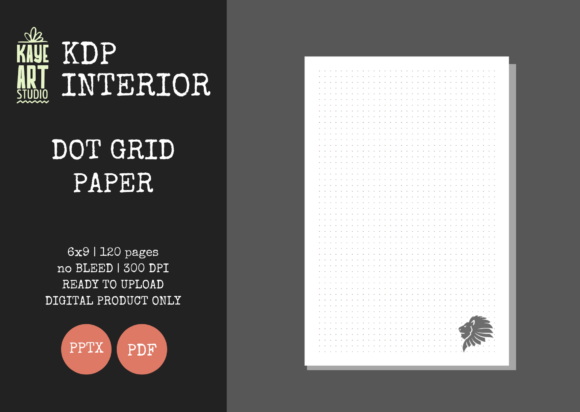
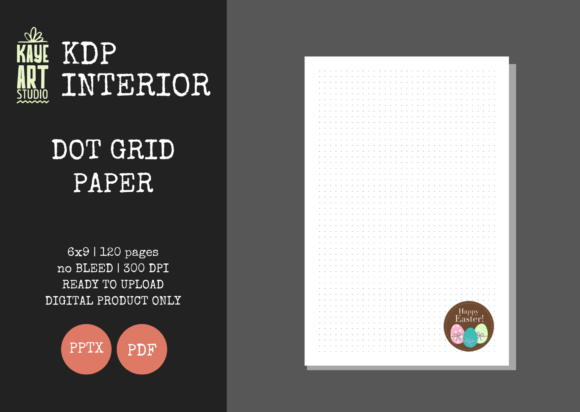
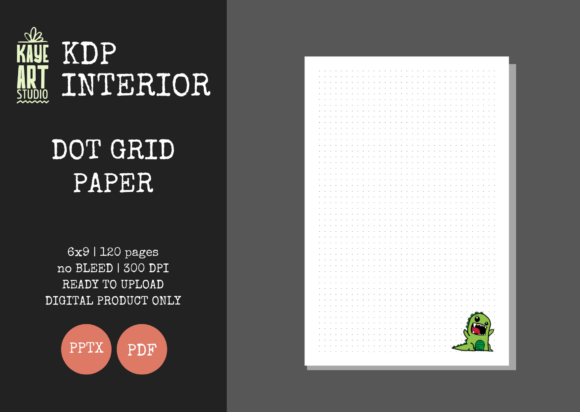
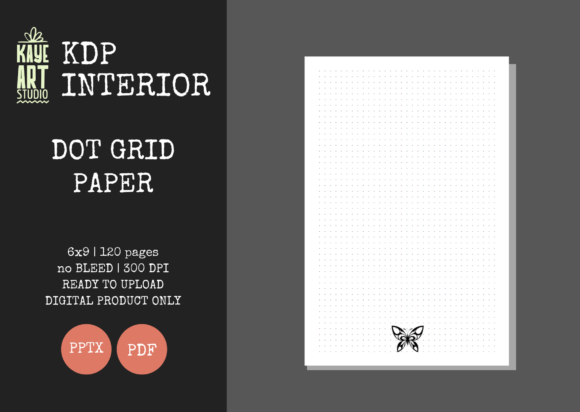
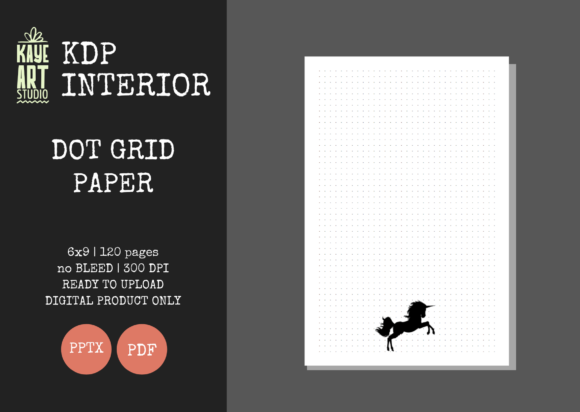
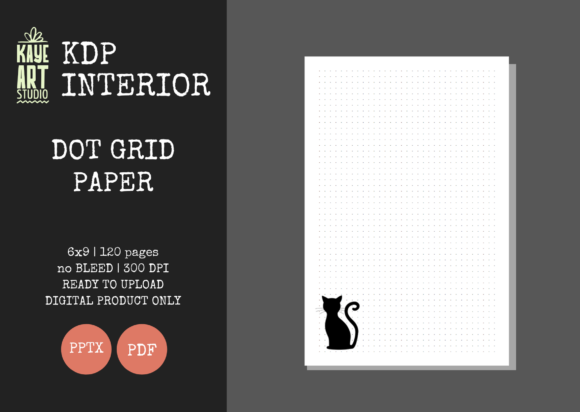
The primary value proposition of any KDP interior template is its adherence to printing tolerances. KDP Dot Grid Paper 4 is configured specifically for a 6x9 inch trim size with no bleed settings. This distinction is critical for new and experienced publishers alike. A no-blend interior requires a safe margin zone where no content extends to the edge of the page. This template accounts for that safety zone, ensuring the dot pattern remains centered and does not risk being trimmed off during the binding process.
The file includes 120 pages at 300 DPI resolution. In the context of black-and-white standard color printing, 300 DPI ensures crisp, clean dots without pixelation or gray-scale artifacts. Lower resolution files often result in fuzzy lines or dots that appear unprofessional in physical print. Furthermore, the availability of both PDF and PPTX formats addresses two distinct workflow needs. The PDF serves as the final upload-ready file, tested for KDP compatibility, while the PowerPoint file offers a layer of customization that static PDFs cannot provide.
The Strategic Advantage of Editable Source Files
Many interior assets are sold exclusively as locked PDFs. While convenient, this limits long-term viability. The inclusion of an editable PowerPoint file with KDP Dot Grid Paper 4 transforms it from a single-use product into a flexible foundation. Publishers can modify the dot spacing, adjust margins, add branding elements, or insert introductory pages without needing advanced graphic design software like Adobe InDesign.
This editability supports portfolio diversification. A single base template can be adapted into multiple niche-specific journals:
- Bullet Journals: Maintain standard 5mm spacing for traditional bujo users.
- Sketch Notebooks: Increase dot opacity or spacing for artists who need subtle guides.
- Planners: Add headers, footers, or date fields to convert a blank journal into a functional organizer.
- Niche Logs: Incorporate specific tracking tables or prompts relevant to hobbies like knitting, gardening, or fitness.
By leveraging the PPTX file, publishers reduce the per-unit cost of asset acquisition and accelerate time-to-market for new variations.
Market Fit and Audience Utility
Dot grid paper occupies a unique position in the stationery market. It appeals to users who find lined paper too restrictive but blank paper too unstructured. When evaluating KDP Dot Grid Paper 4, it is necessary to consider which end-users benefit most from this specific 6x9 format.
Professionals and Entrepreneurs: The 6x9 size is portable enough for commuting and meetings yet offers sufficient surface area for diagramming, mind mapping, and note-taking. Dot grids are particularly favored in business contexts for drawing flowcharts, wireframes, and organizational structures where horizontal lines interfere with vertical alignment.
Students and Educators: For STEM subjects, mathematics, and technical drawing, dot grids provide guidance for graphing and geometry without the visual clutter of full grid lines. This template’s consistent spacing supports neat handwriting and structured problem-solving.
Creatives and Hobbyists: Hand letterers, sketch artists, and scrapbookers utilize dot grids for proportion and spacing. Because the dots are less visually dominant than solid lines, they recede into the background when ink or pencil is applied, making them ideal for mixed-media projects.
Quality Assessment and Real-World Performance
In practical testing, the effectiveness of a dot grid interior depends heavily on contrast and consistency. Dots that are too dark create visual noise; dots that are too light disappear under certain lighting conditions or when scanned. KDP Dot Grid Paper 4 typically utilizes a balanced gray tone optimized for Amazon’s standard book paper (white or cream). Publishers should always order a proof copy before launching, as screen calibration differs significantly from offset printing results.
The 120-page count is another deliberate specification. This page count strikes a balance between perceived value and spine width. Books under 100 pages have spines that are difficult to read and may feel insubstantial to buyers. At 120 pages, the resulting spine allows for legible text, enhancing shelf presence and discoverability in search results. Additionally, this page count keeps printing costs low enough to allow for competitive pricing while maintaining healthy royalty margins.
Workflow Integration and Efficiency
For publishers managing large catalogs, consistency reduces cognitive load and operational friction. Using a standardized, pre-tested template like KDP Dot Grid Paper 4 eliminates the trial-and-error phase of interior formatting. The "ready for upload" status means the file has presumably passed KDP’s automated preflight checks regarding margins, bleed, and image resolution.
However, efficiency should not come at the cost of uniqueness. Because this is a commercial asset, other publishers may use the identical base file. To mitigate market saturation risks, users should leverage the editable features to create proprietary variations. Adding a custom title page, copyright notice, or niche-specific introduction differentiates the final product from others using the same underlying grid structure.
Limitations and Considerations
While KDP Dot Grid Paper 4 offers significant utility, it is not a comprehensive solution for every publishing scenario. Prospective users must recognize several constraints:
- Interior Only: This listing provides no cover design. Publishers must source or create a separate cover file that matches the 6x9 no-bleed specifications. Mismatched cover and interior dimensions are a common cause of KDP rejection.
- No Bleed Restriction: If your vision includes edge-to-edge patterns, decorative borders, or full-page illustrations, this no-bleed template is unsuitable. You would need to source or create a bleed-enabled version instead.
- Software Dependency: Editing the PPTX file requires Microsoft PowerPoint or compatible software. Users relying solely on Canva or Affinity Publisher may face formatting shifts when importing or converting the file.
- Paper Quality Variables: Standard KDP paper is 55# (90 GSM). Heavy markers or wet media may bleed through regardless of the digital template quality. Publishers targeting artists using alcohol markers should clearly communicate paper limitations in their book description or consider alternative printing options.
Strategic Recommendations for Implementation
To maximize the return on investment from KDP Dot Grid Paper 4, publishers should adopt a strategic approach rather than a volume-only mindset. Begin by validating niche demand before mass-producing variations. Use the editable template to create test listings in adjacent niches—such as "Engineering Notebook," "Recipe Planner," or "Therapy Journal"—and monitor performance metrics.
Consider bundling this interior with complementary resources. A dot grid journal paired with a sticker pack, digital download, or instructional guide creates a higher-value offering that justifies premium pricing. The flexibility of the PPTX file makes such bundling feasible without additional design costs.
Finally, maintain meticulous version control. When modifying the master template, save iterations with clear naming conventions (e.g., "DotGrid_6x9_Bujo_v2.pptx"). This prevents accidental uploads of outdated files and preserves the integrity of your original asset. Document any custom adjustments made to margins or dot sizing so future projects can replicate successful configurations.
Final Assessment of Value
KDP Dot Grid Paper 4 functions as a reliable infrastructure component for serious low-content publishers. Its strengths lie in technical compliance, editable flexibility, and appropriate physical specifications for the 6x9 journal market. While it requires supplementary cover design and mindful differentiation to avoid commoditization, it effectively removes the most tedious aspects of interior formatting.
For professionals, educators, and creators building a sustainable KDP business, this asset represents a pragmatic investment in workflow efficiency. It is best suited for publishers who understand that templates are starting points rather than finished products. By combining this technically sound foundation with niche research, custom branding, and quality verification, users can produce professional-grade journals that meet genuine reader needs while maintaining scalable production processes. The ultimate measure of success is not merely uploading a file, but delivering a physical product that earns positive reviews and repeat customers—and KDP Dot Grid Paper 4 provides the competent foundation necessary to achieve that outcome.